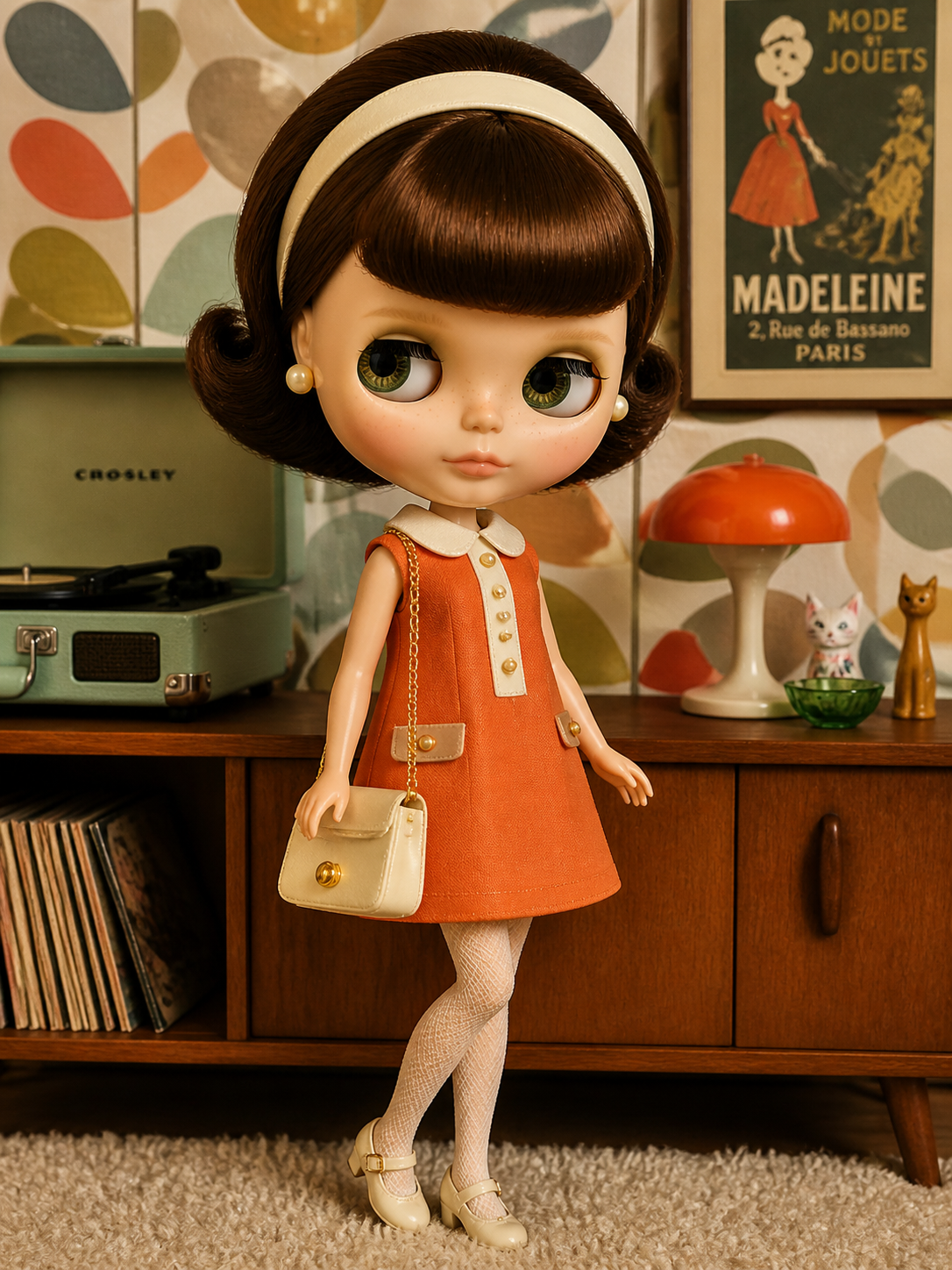
Blythe Doll AI Generator
Create or copy a prompt, then paste it into the image playground below.
Start with a direction
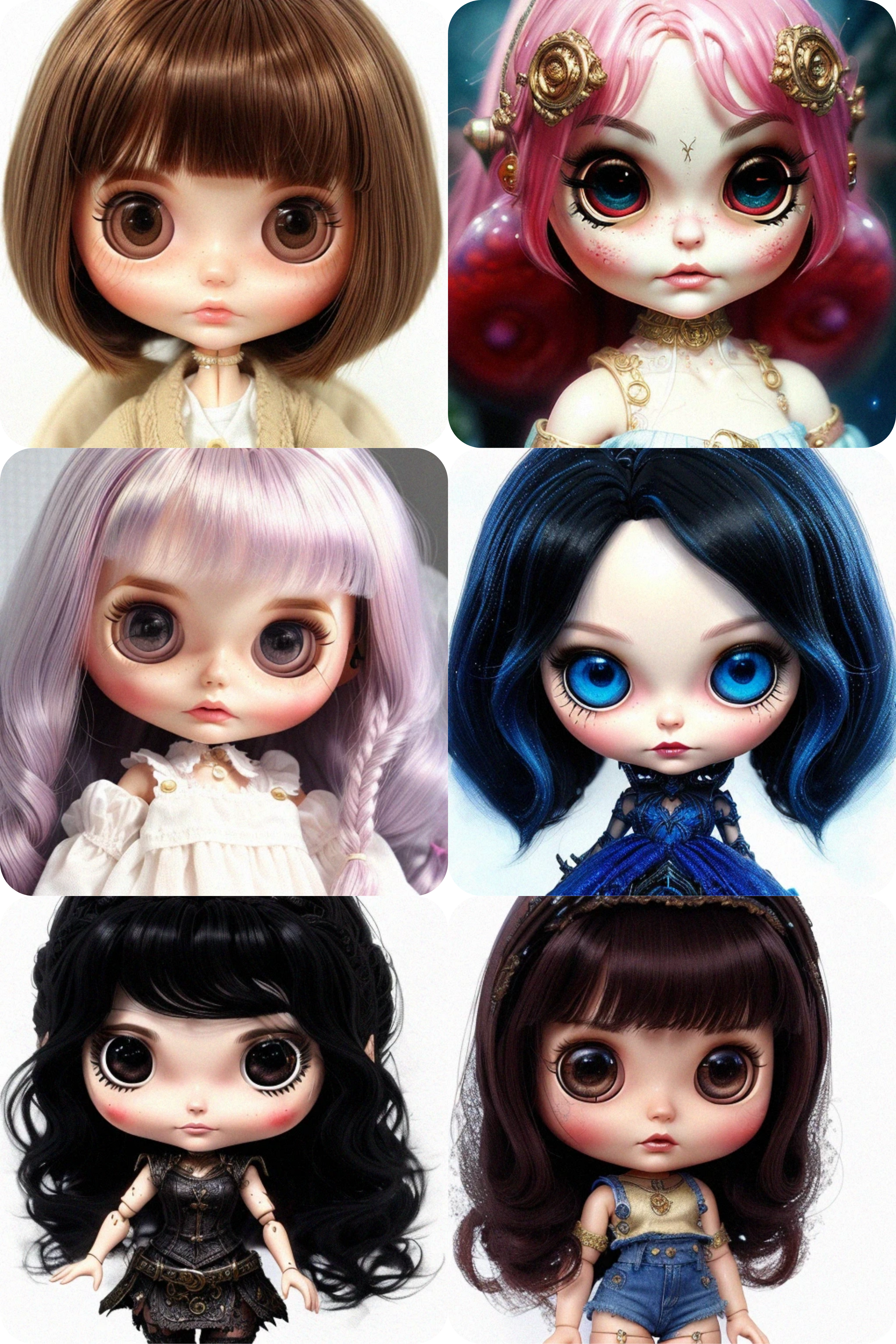
Six style templates to remix
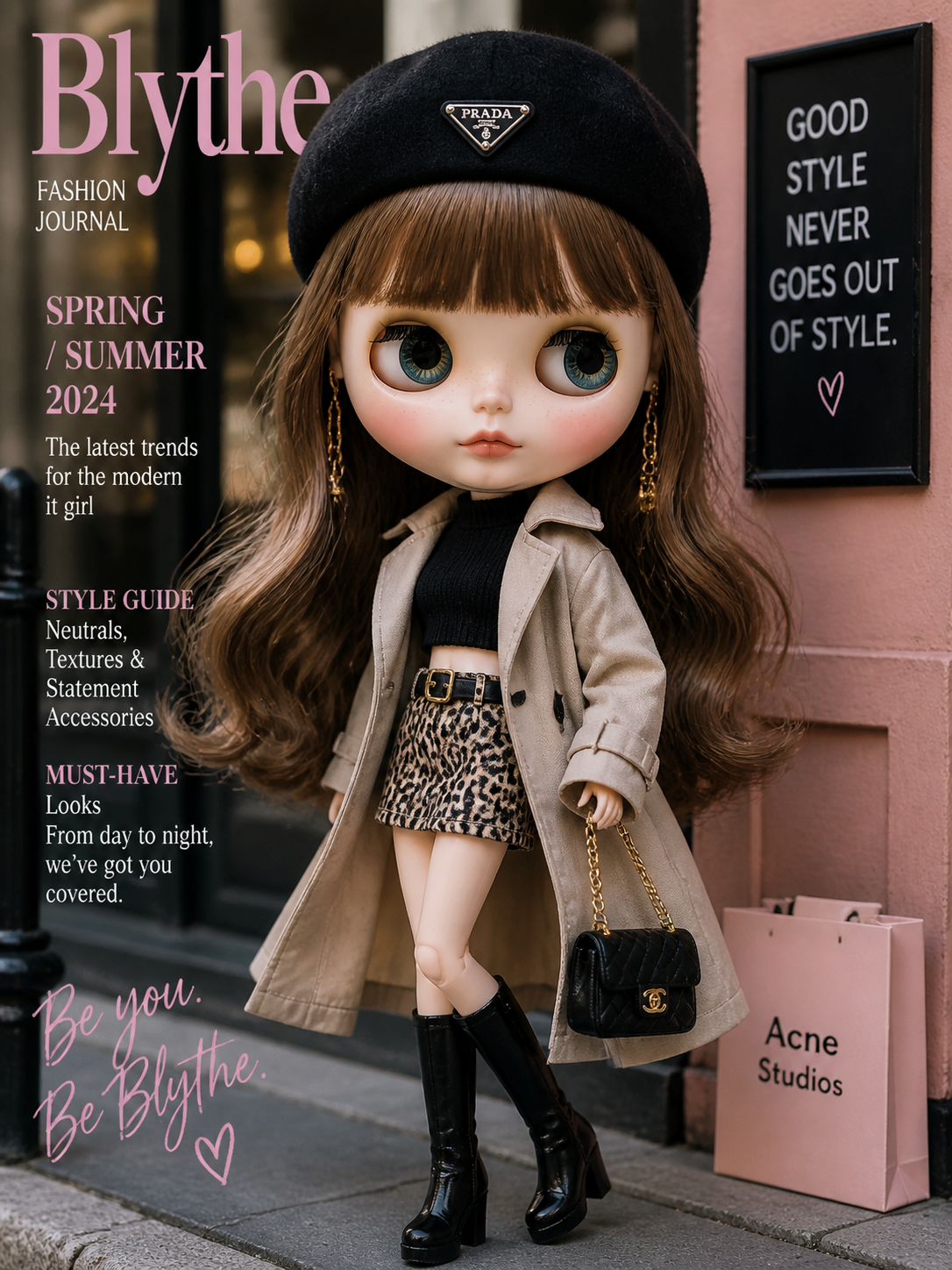
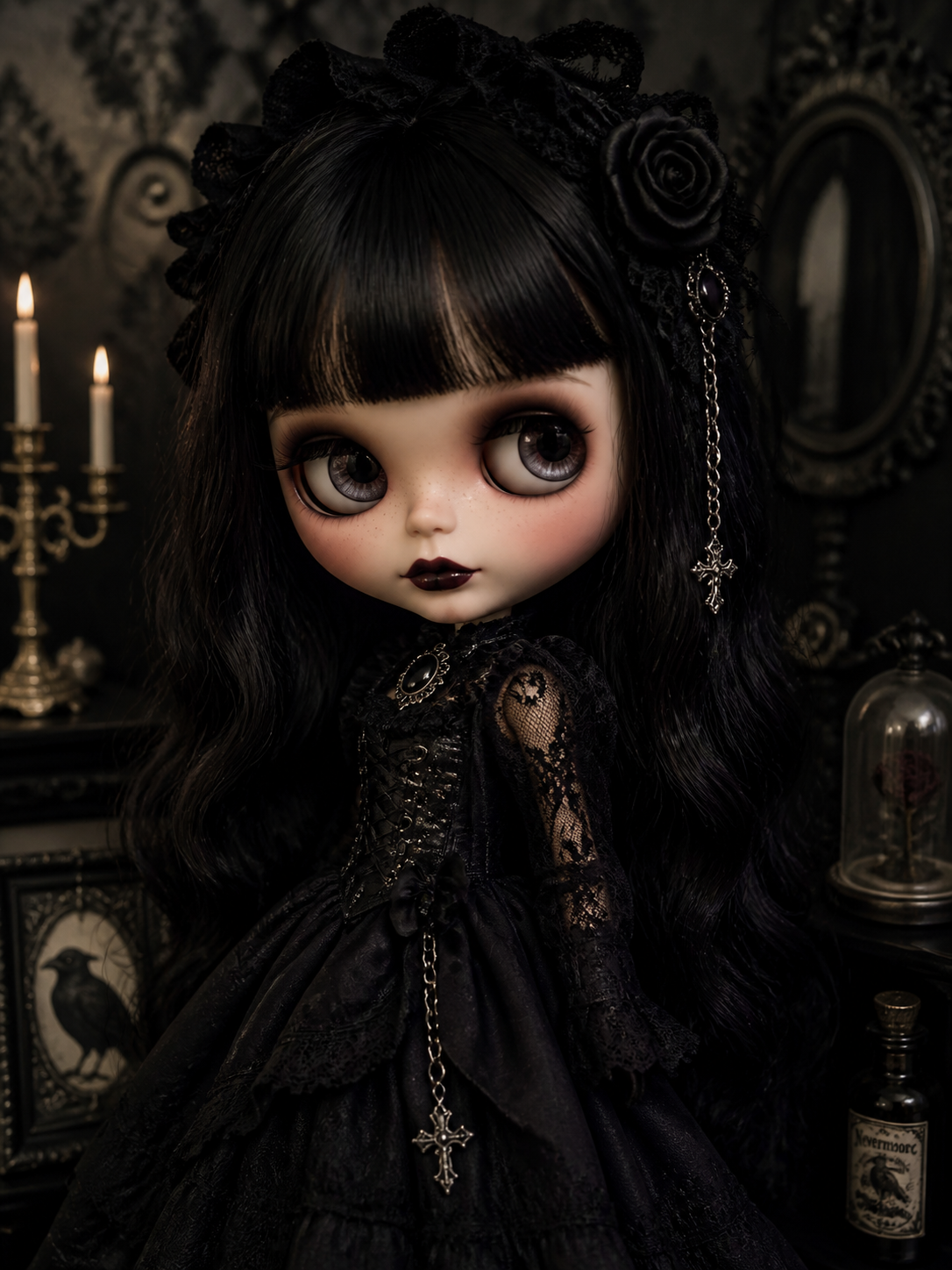
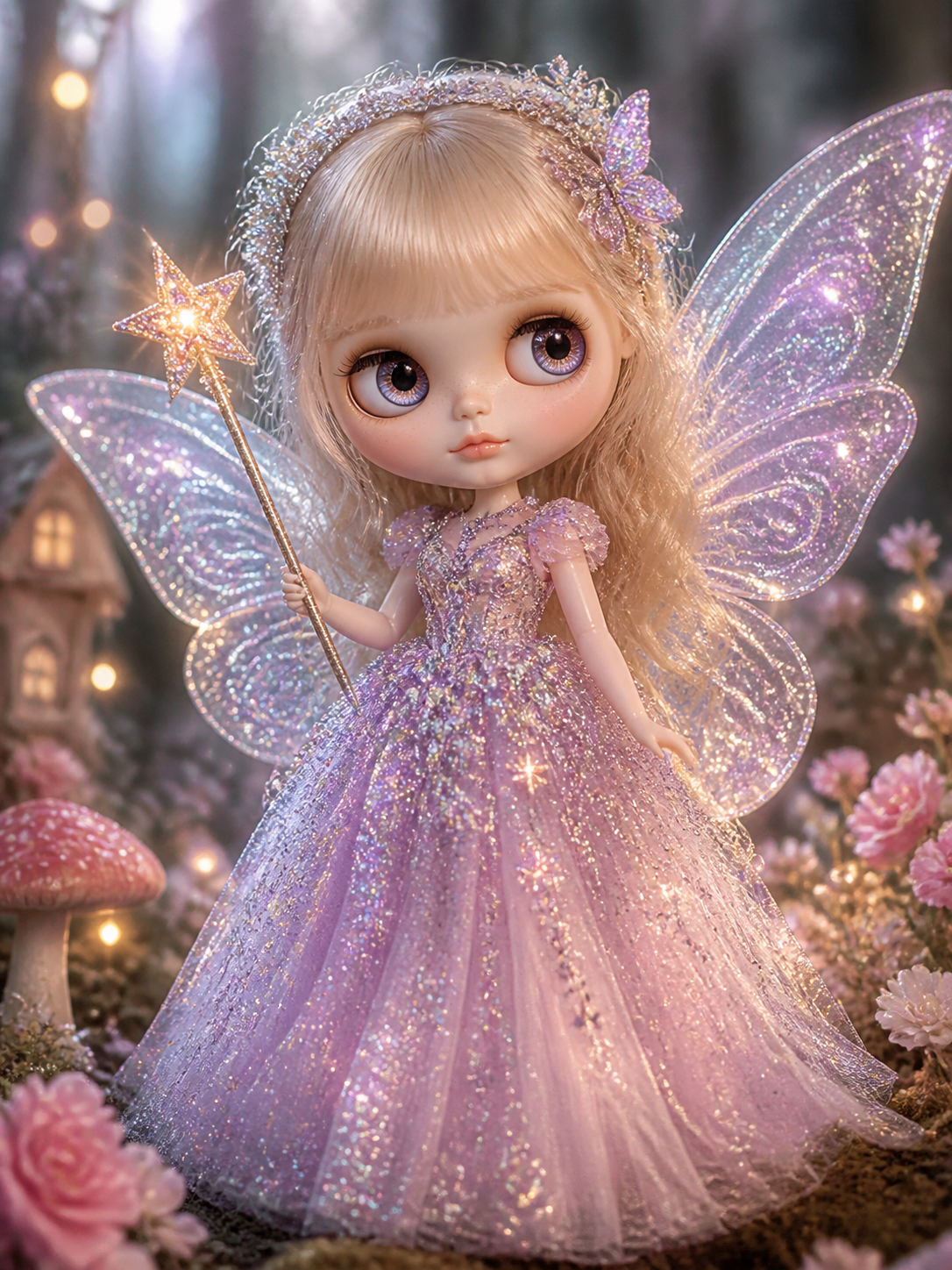
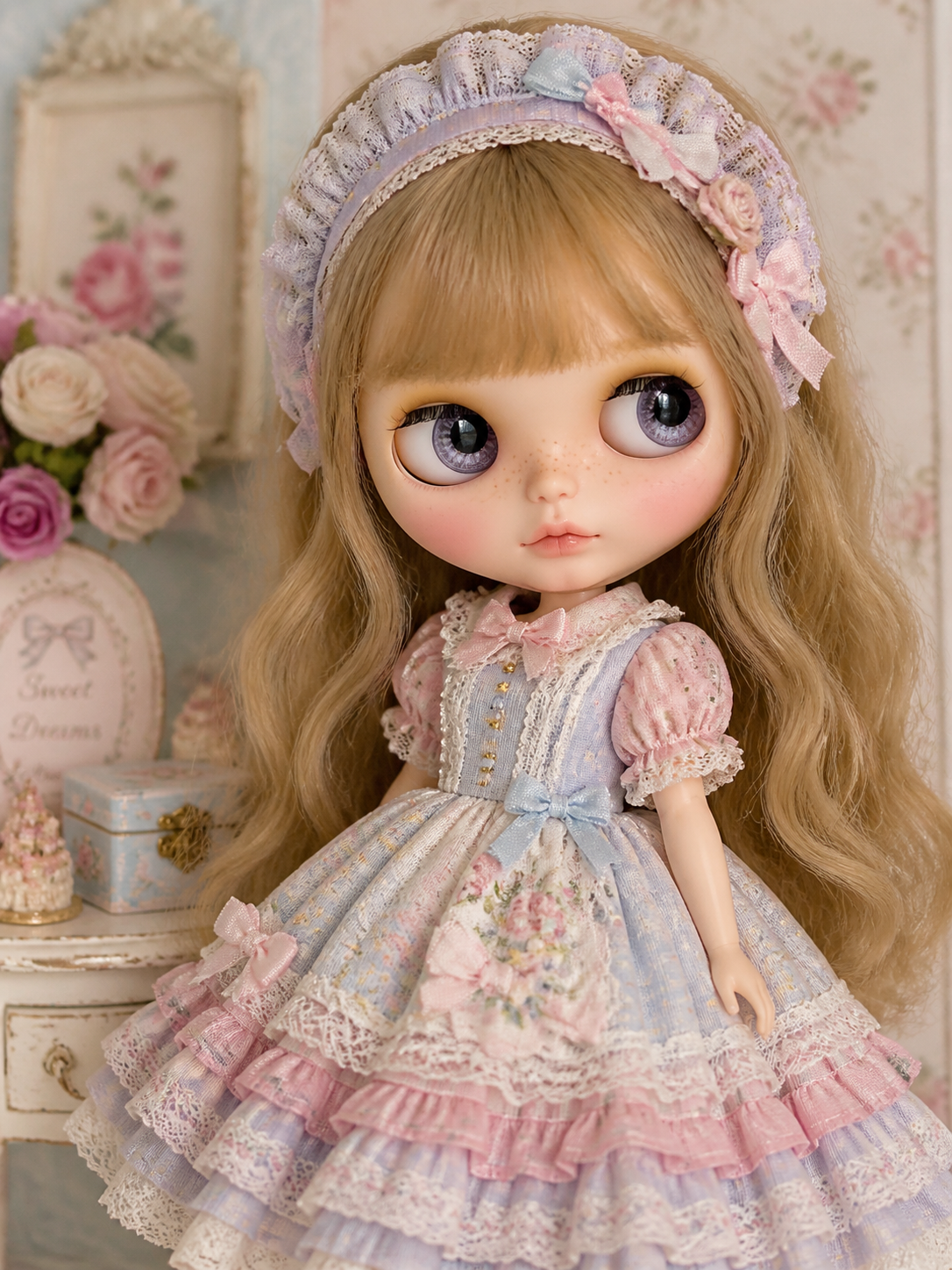
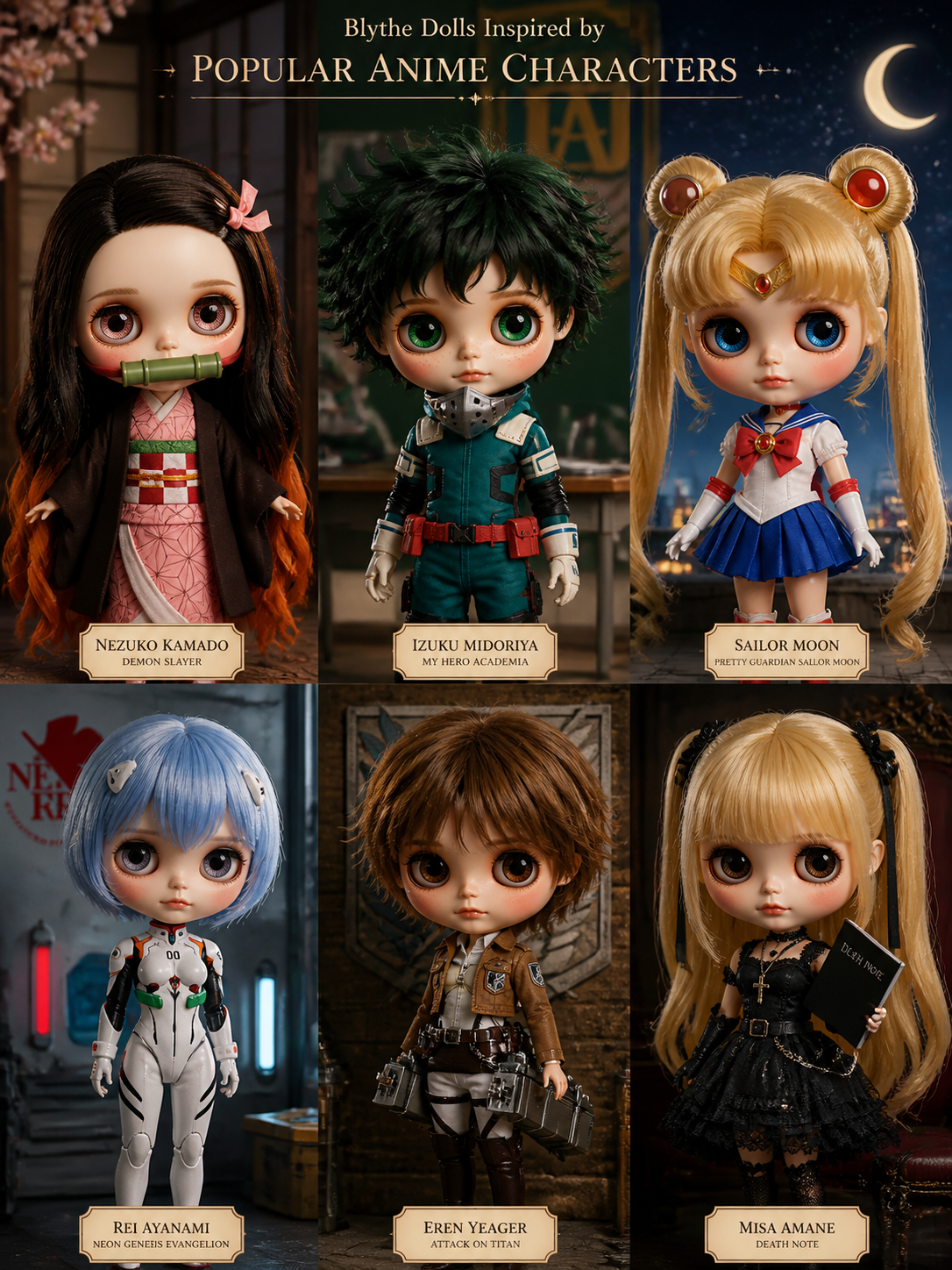
A practical prompt guide
Write prompts that leave room for personality
A useful Blythe prompt is less about stacking adjectives and more about giving the image model an ordered brief. Begin with the subject and viewpoint: “close-up portrait of a Blythe doll” or “full-body Blythe doll standing in a paper garden.” Add two or three defining features, such as hair texture, eye color, face expression, or a distinctive silhouette. Then describe the clothes and materials. “Linen pinafore with embroidered strawberries” is more actionable than “beautiful outfit.”
Finish with environment, lighting, and finish. A small setting creates mood: a sunlit craft room, a rainy Tokyo street, or a quiet seaside greenhouse. Mention soft window light, direct flash, watercolor texture, product photography, or editorial fashion photography when that look matters. If the first result is close but not right, change one section at a time. Iteration makes it easier to understand which words are influencing the result.
For a complete workflow, ten copy-ready prompts, and examples, read the Blythe doll generator guide.
Culture and creative context
Blythe dolls have a distinctive oversized-eye silhouette and a long history of collector customization. Use cultural references thoughtfully: name the actual garment, craft, architecture, or visual tradition you mean, and avoid treating a whole culture as a costume or a mood board. For example, describe a yukata’s cotton weave and obi styling rather than simply asking for “Japanese clothes.” This specificity is both more respectful and more useful to the generator.
Know the limits
AI images are interpretations, not product specifications. Fingers, jewelry, tiny lettering, repeated motifs, and exact brand details can be wrong. Generated art may also resemble common training patterns. Review outputs before publishing, check rights for commercial use, and do not use the tool to impersonate a real person or copy a living artist’s signature style. This page generates digital concepts; it does not produce a physical doll.
From sketch to concept
Use the generator as a creative partner
The strongest workflow is exploratory. Start with one visual anchor, such as a distinctive hairstyle, a coat made from a particular fabric, or a setting with a clear season. Generate that simple idea before adding more. When you can see the silhouette, introduce secondary details: a tiny satchel, mismatched socks, a paper flower, or a handmade-looking texture. This keeps the result readable instead of asking every detail to compete for attention.
Think in layers. The first layer answers “what is it?” The second answers “what is it wearing?” The third answers “where is it?” The final layer answers “how should it feel?” Words such as intimate, theatrical, playful, quiet, nostalgic, or strange can guide the atmosphere, but pair them with physical cues like warm shadows, shallow depth of field, cloudy daylight, or a textured backdrop. If you need a character sheet, repeat the same core description and change only the pose or scene. Results will still vary, but a stable prompt foundation makes comparison easier.
How it works
1. Create a key
Sign in at api.sublyx.org, create an image-generation group, then create a dedicated API key.
2. Configure
In the playground, open Settings → API Configuration and enter your key. Keep API URL https://api.sublyx.org/v1, Images API, and model gpt-image-2.
3. Add a prompt
Write your own prompt or copy one of the suggestions above into the playground.
4. Generate
Choose the image settings, generate, then download your result from the playground.
Frequently asked questions
What is the Blythe Doll AI Generator?
It is a browser-based AI image generator for exploring custom Blythe doll concepts from text prompts.
How do I create an image?
Write a prompt, choose an image size, and click Run. One credit is charged only when a generation succeeds.
What can I include in a prompt?
Describe hair, eyes, clothing, accessories, pose, setting, lighting, camera angle, materials, and an overall art direction.
Can I download or share my result?
Yes. After generation, use Download or Open image, Copy prompt, or Share. If native sharing is unavailable, the Share button copies a link or prompt for you.
Will the AI make a physical Blythe doll?
No. The tool creates digital concept artwork, not a manufactured doll or physical customization service.
Why can an image differ from my prompt?
Generative models interpret language probabilistically. Details, text, hands, repeated patterns, and exact likenesses may be inconsistent, so iteration is normal.
Need help with the generator? Email [email protected].